Quilt Path Classes Built Around What You Need
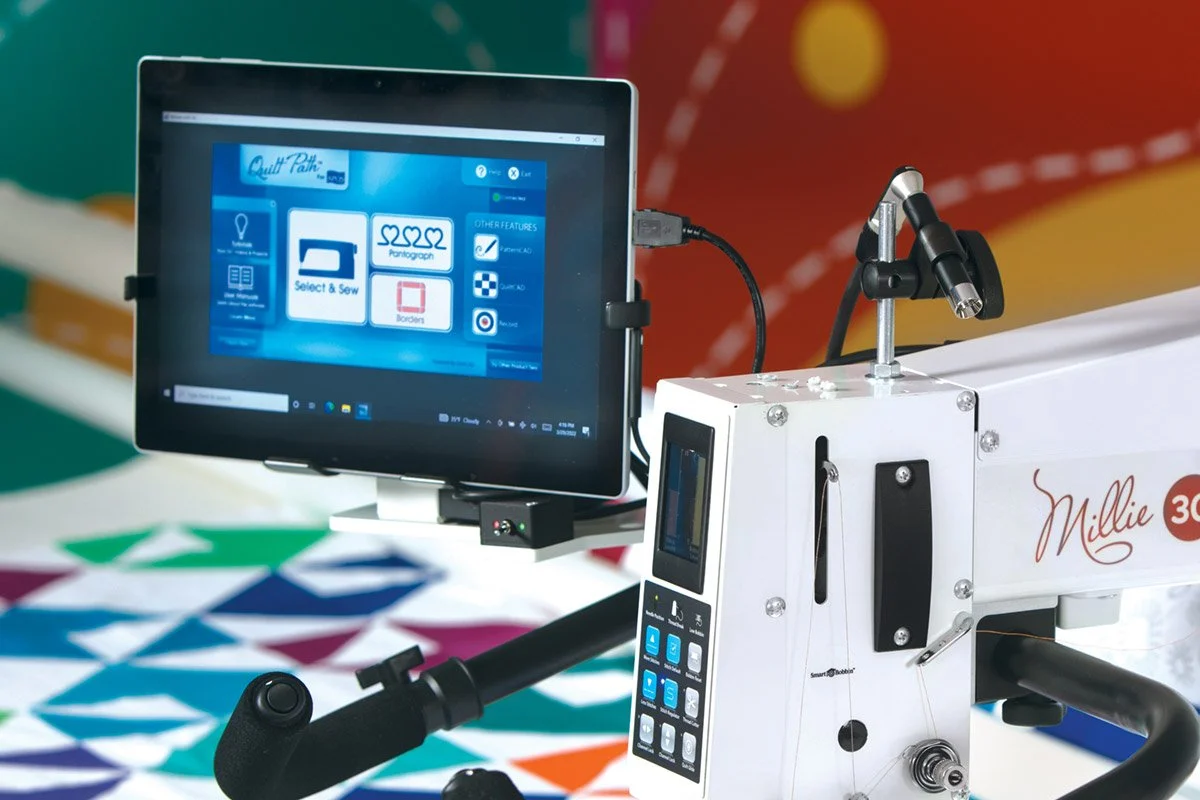
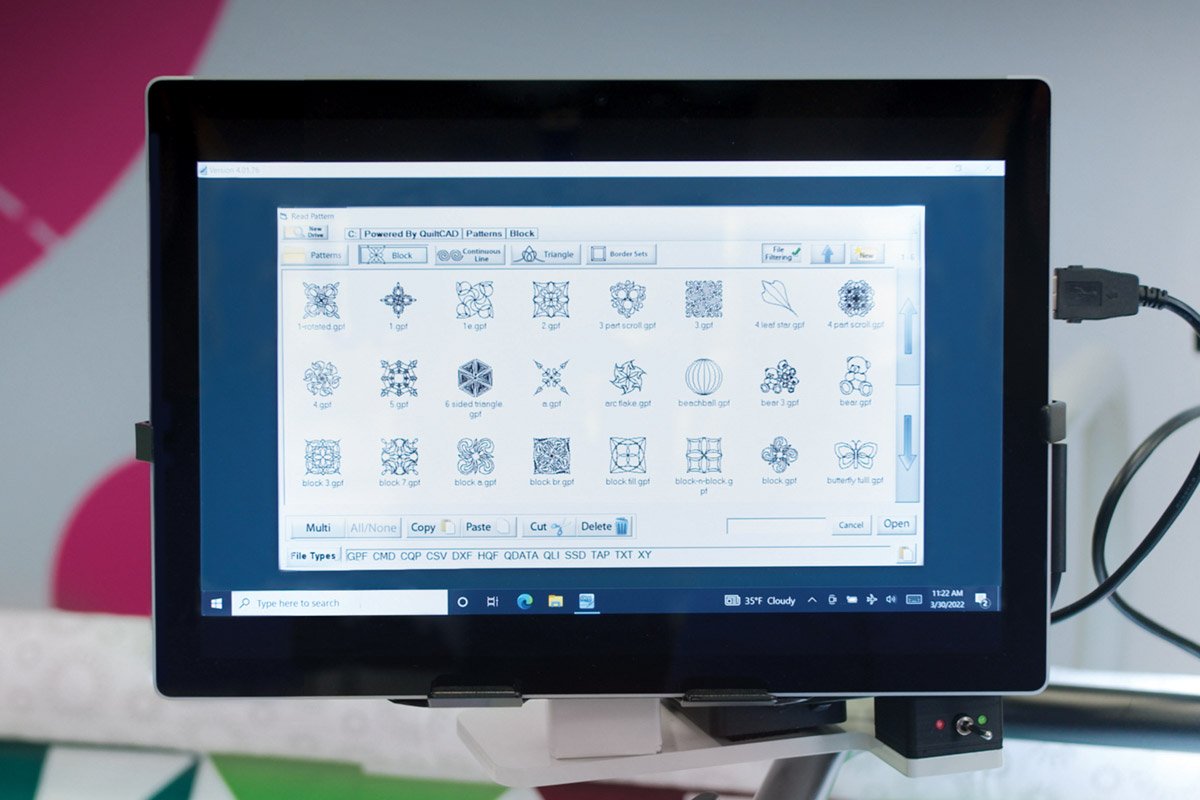
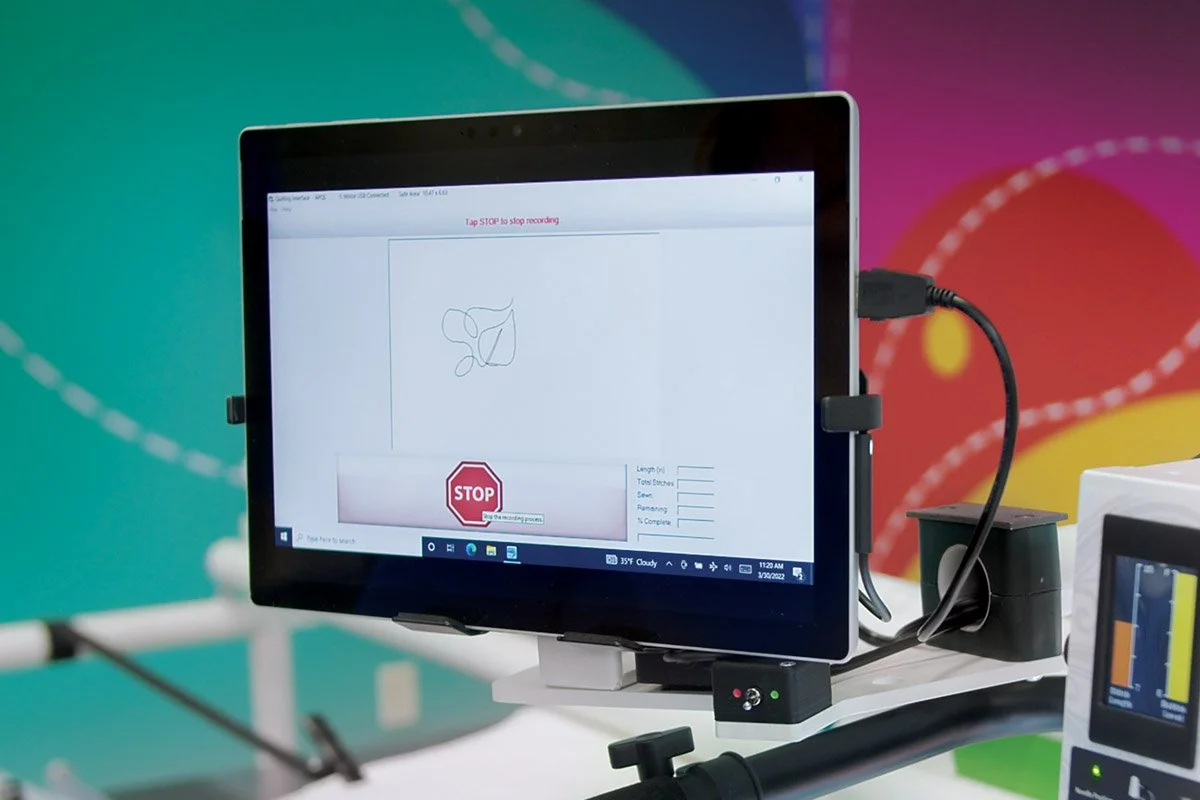
I offer Quilt Path classes by request because this material is best taught with plenty of individual attention. Whenever possible, I keep classes one-on-one or very small so you have time to ask questions, practice each step and understand why the process works.
A smaller class also allows me to adjust the pace and spend more time on the tools you need help using. We can slow down, repeat a process, or work through a specific problem without trying to keep up with a large group.
The class descriptions below cover the main Quilt Path topics I teach. Classes are scheduled based on requests, which allows the instruction to be more useful and personal to you.
Custom Quilting with Quilt Path
Skill level: Intermediate
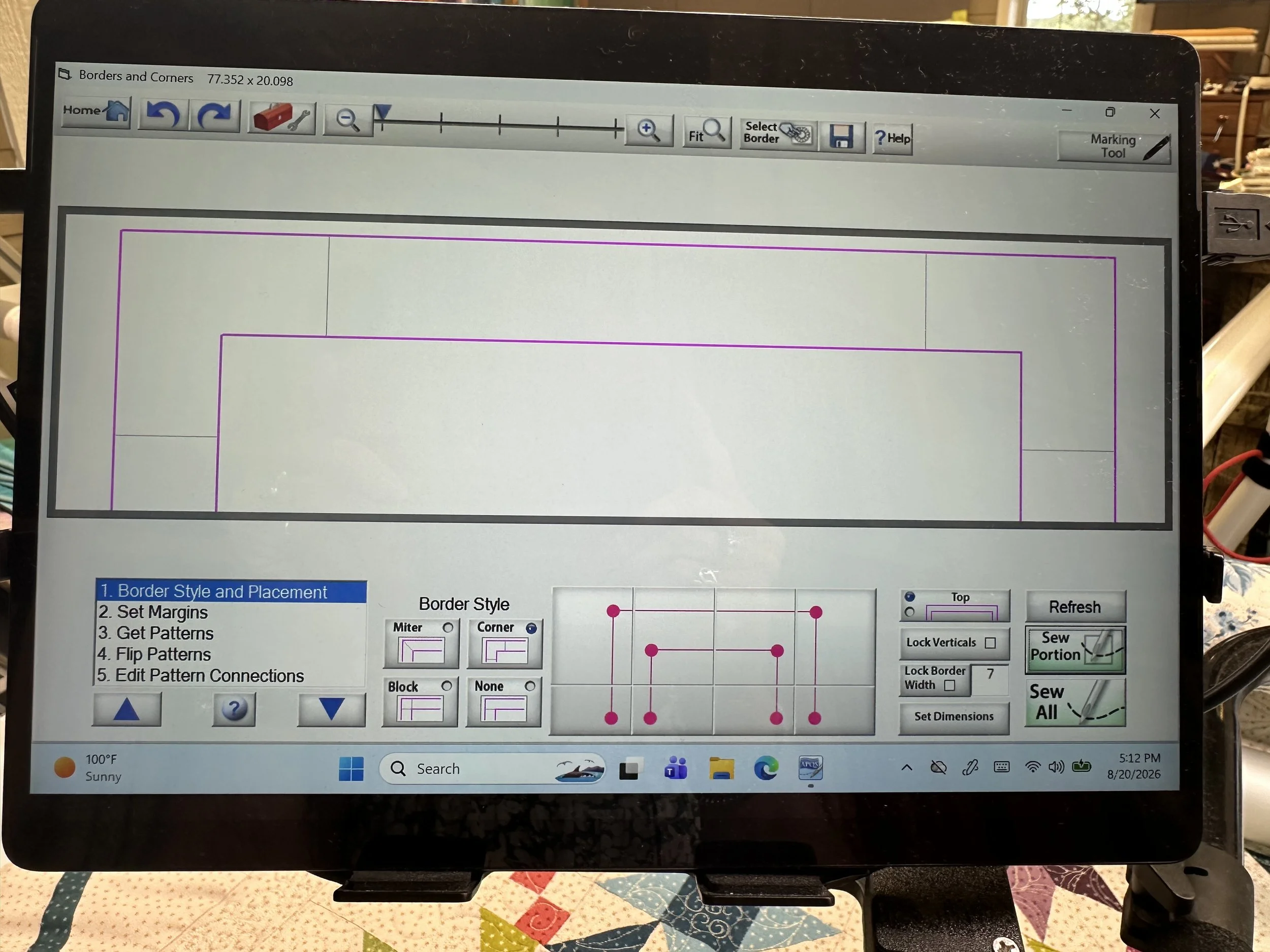
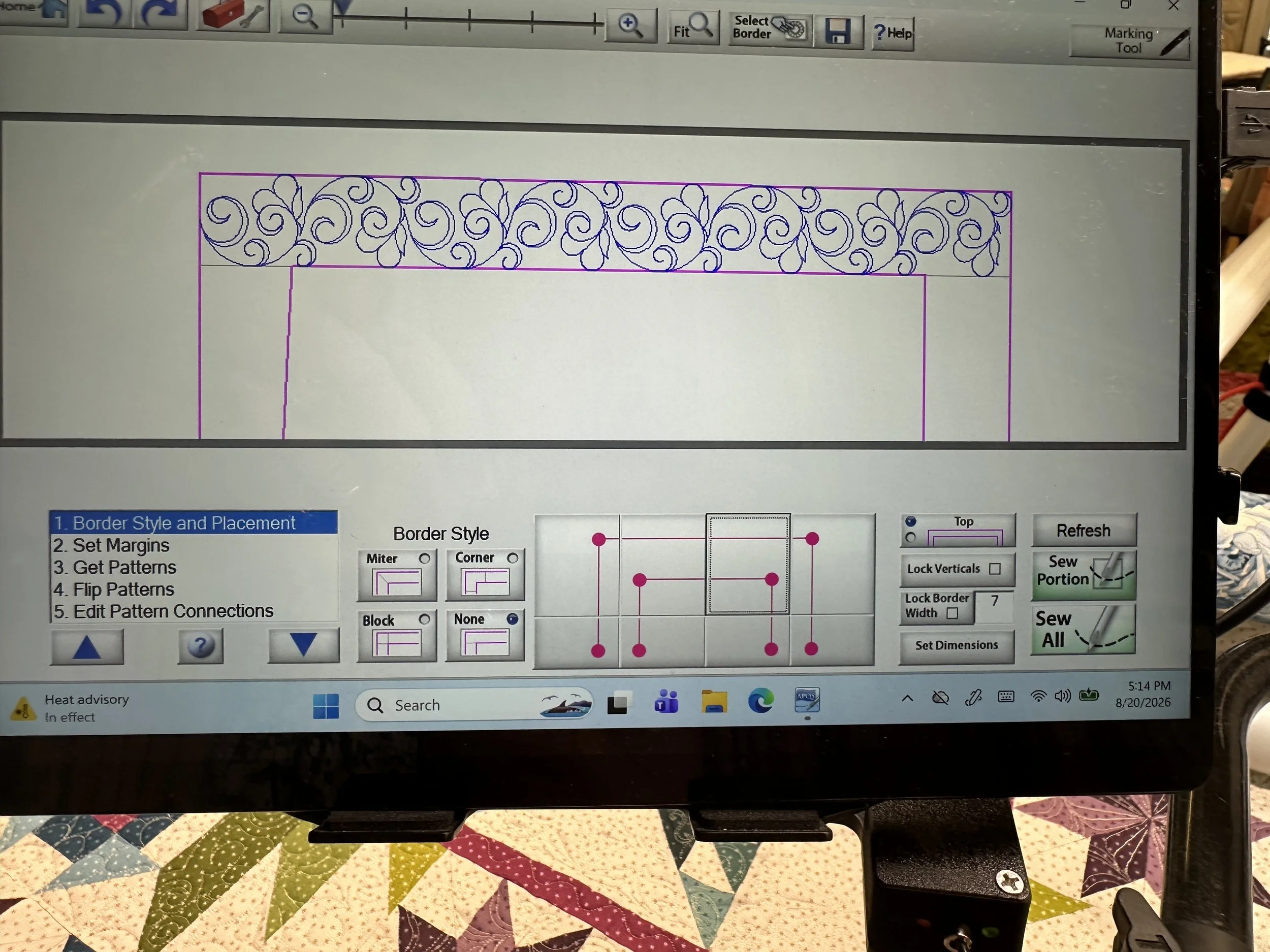
In this class, I will help you build confidence with block placement, borders, and custom computerized quilting. We will focus on accurate placement and the planning that helps custom quilting fit the quilt top correctly.
I do more than demonstrate which buttons to push. I explain the reasoning behind each technique so you can make better decisions when working on your own quilts.
What you will learn:
The different Quilt Path block placement methods
How to prepare a quilt top for accurate border quilting
How to set up border designs with Pantostacker
How to quilt borders using the Border section
How to plan the order in which borders should be quilted
When to quilt borders as you go
When turning the quilt may be the better option
What to bring:
Your tablet
Your tablet power cord
Your stylus
PatternCAD with Quilt Path
Skill level: Intermediate
PatternCAD gives you the tools to design, edit, and customize digital quilting patterns directly on your tablet.
In this hands-on class, I will introduce the PatternCAD workspace and explain how the different tools work. We will begin with existing designs and then move into creating original patterns.
This class is helpful when you want to personalize the patterns in your library, create motifs for a specific quilt, or better understand how digital quilting designs are built.
What you will learn:
How to navigate the PatternCAD interface
What the main PatternCAD buttons and tools do
How to edit an existing pattern
How to personalize patterns for your quilts
How to use the EZ tools to create designs
How to draw an original pattern from scratch
How to save your work for future quilting projects
What to bring:
Your tablet
Your tablet power cord
Your stylus
Power Panto and Pantostacker EZ
Skill level: Beginner
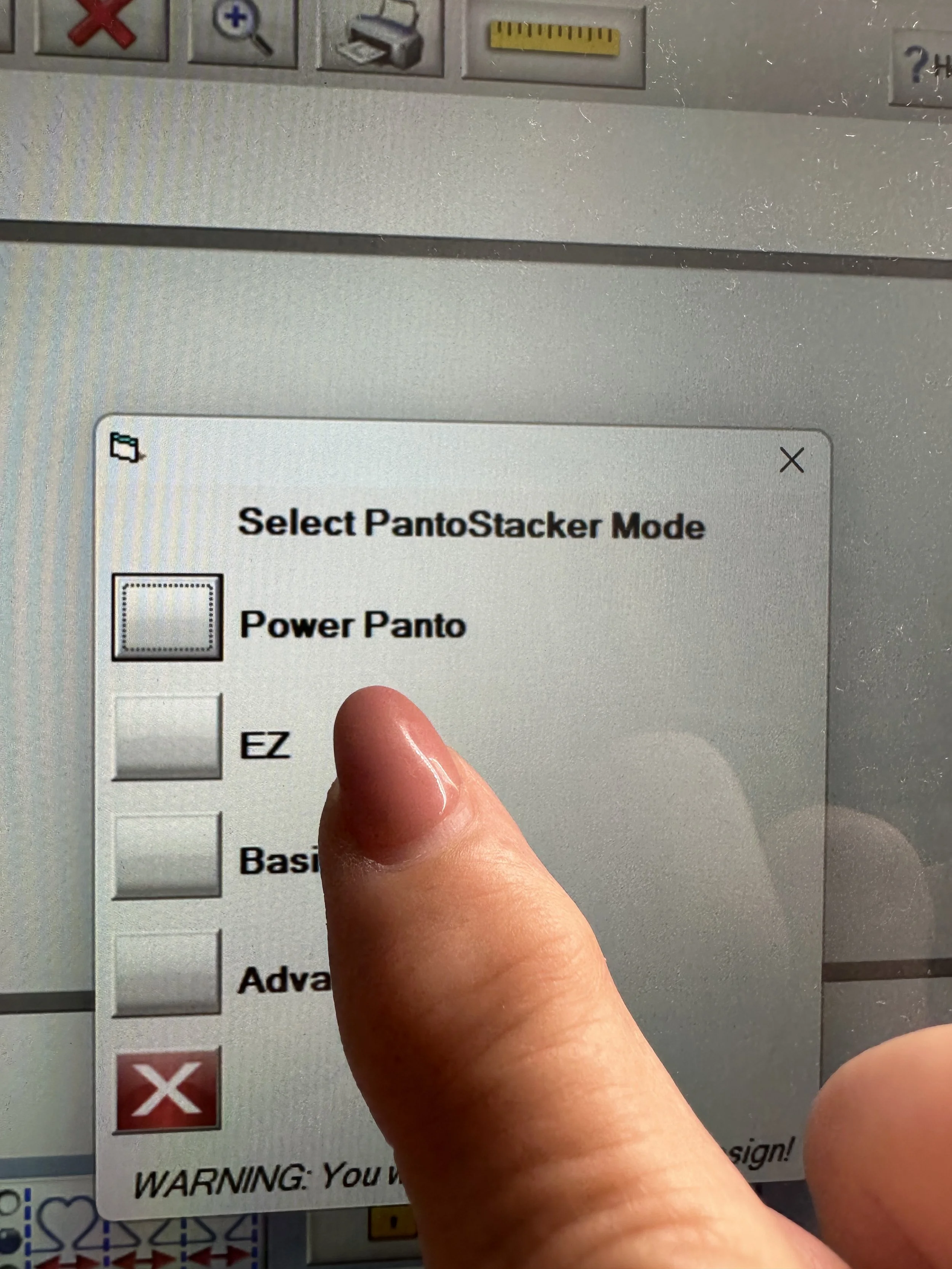
This class is a practical introduction to Power Panto and Pantostacker EZ. I will show you how these Quilt Path tools work together to help you set up patterns, plan rows, and quilt edge-to-edge designs more efficiently.
We will work through the process step by step. I encourage questions throughout the class so you understand what each tool does and why you would use it.
What you will learn:
The buttons and controls used in Power Panto and Pantostacker EZ
How to set up a pantograph for a specific quilt top
How to quilt a design using only two rows
How to nest, flip and stagger patterns
How to handle undulating designs at the top and bottom of a quilt
How to create patterns using simple design elements
How and when to use Power Panto
What to bring:
Your tablet
Your tablet power cord
Your stylus
No-Turn Borders with Quilt Path
Skill level: Intermediate
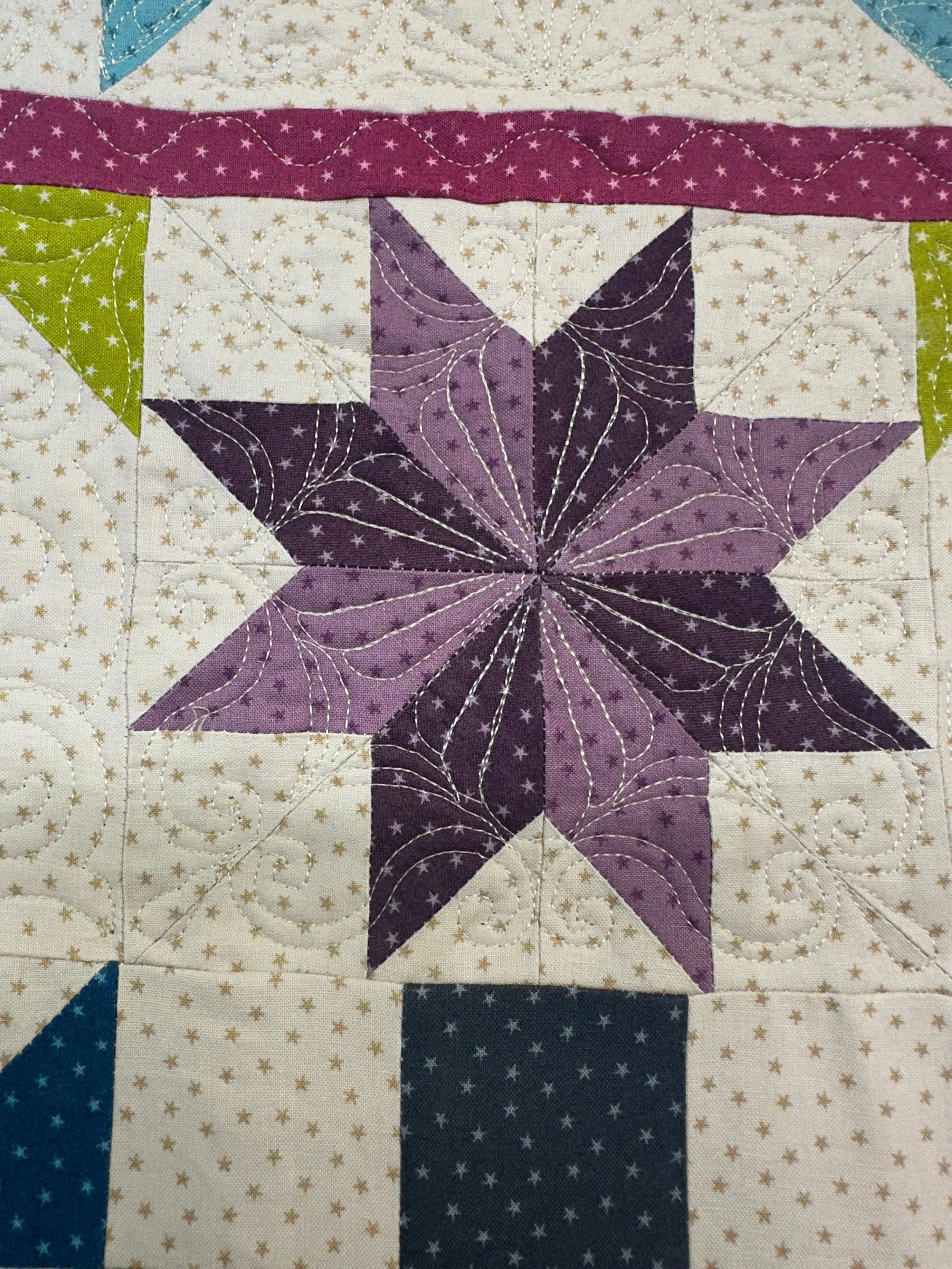
No-turn borders allow you to complete the borders without rotating the quilt. You can quilt from the top of the quilt to the bottom, which can save time and reduce the handling of a large quilt.
This method involves a little math, but I will provide a worksheet and walk you through the calculations. I will show you how to determine whether a pattern will work, plan the border placement, and keep the design aligned as you advance the quilt.
What you will learn:
How the no-turn border method works
How to measure and plan your borders
How to use the no-turn border worksheet
How to choose patterns that work with this method
How to place and align border designs
How to complete the quilt from top to bottom without turning it
What to bring:
Your tablet
Your tablet power cord
Your stylus